How Long Does It Take for Backlinks to Get Indexed? (Real Data 2026)
By Joseph C. Lorenzo · Updated August 2026 · 10 min read
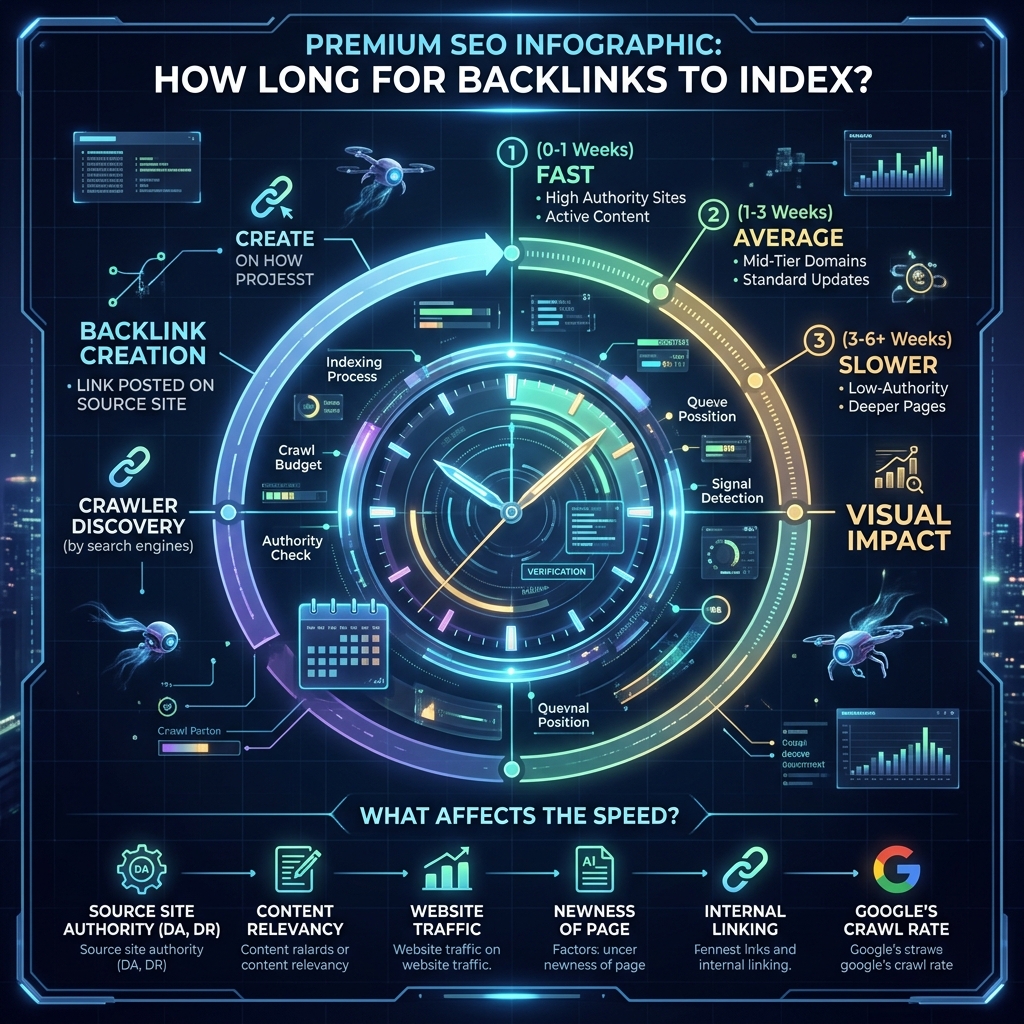
The direct answer: backlink indexing time ranges from 1 hour to never, depending on five key variables. After analyzing thousands of link-building campaigns through LinkRaptor, we've mapped the actual distribution: roughly 30% of backlinks from average-authority sites never get indexed naturally within 90 days. That 30% passes zero PageRank and provides zero SEO value — they're wasted spend.
This guide covers the real timelines, the variables that control them, and exactly what you can do to stop leaving ranking potential on the table.
Indexing vs. Ranking Impact: The Critical Distinction
Before diving into timelines, understand the two-stage process SEOs often conflate:
- Indexing: Google discovers and stores the page containing your backlink in its database. Until this happens, your link doesn't exist in Google's eyes.
- Ranking impact: After indexing, Google processes the link's value — authority, anchor text, relevance — and propagates it to your target page's rankings. This typically takes 1–3 months after indexation.
Most SEOs focus on ranking impact and miss the indexation step entirely. If your tier 2 links never get indexed, you're waiting 3 months for a ranking boost that will never come.
Natural Indexation Timeline by Domain Type
| Domain Type | Examples | Natural Index Time | Index Rate |
|---|---|---|---|
| Tier 1 Authority | Forbes, Wired, WSJ, Wikipedia | 1–24 hours | ~99% |
| Established DA 40–70 Blogs | Active niche blogs, news sites | 24 hours – 2 weeks | ~90% |
| Medium-Authority DA 20–40 | Smaller blogs, forums, directories | 1–6 weeks | ~70% |
| Web 2.0 Properties | Blogger, WordPress.com, Weebly | 4–12 weeks | ~50% |
| Tier 3 / Low-Authority | New blogs, forum profiles, social bookmarks | 3–6 months (or never) | ~30–40% |
*Rates based on aggregate data from LinkRaptor campaigns. Natural indexation without active submission tools.
The 5 Variables That Control Backlink Indexing Speed
1. Crawl Budget of the Referring Domain
Google allocates crawl budget — a finite number of pages it's willing to crawl per domain per day — based on the site's authority and server performance. A domain like Medium.com has a massive crawl budget; Googlebot visits it continuously. A brand-new Blogger subdomain might only get crawled once per quarter.
Your backlink's indexation speed is directly tied to the crawl frequency of the domain hosting it. A link on a page that Googlebot last visited 90 days ago won't be discovered for another 90 days — unless you create additional discovery signals.
2. Internal Link Depth of the Target Page
When Googlebot crawls a domain, it follows internal links. If your backlink is on a page buried 6 clicks deep from the homepage with no internal links pointing to it, Google may never reach it even during a crawl session. Pages that are 1–2 clicks from the homepage with strong internal links get indexed fastest.
For Web 2.0s you control, solve this by linking to the specific post from your profile page, other posts, and any navigation elements available. Every additional internal link shortens the crawl path.
3. Content Freshness and Update Frequency
Google prioritizes crawling frequently updated sites. A blog that publishes daily gets crawled daily. A site with its last update 18 months ago might only see Googlebot annually. If your backlink lands on a stale, infrequently updated domain, plan for very slow indexation.
4. Discovery Signals Pointing to the Page
Google discovers new pages when other already-crawled pages link to them. The more high-quality external links point to a page, the faster it gets crawled. This is the theoretical basis for "indexing services" that create multiple pointing links to accelerate discovery.
5. The Page's Own Content Quality
Google's systems evaluate whether a page is worth storing in the index. Thin, duplicate, or low-value content pages may be crawled but deliberately excluded from the index — a state you'll see as "Crawled – currently not indexed" in GSC. Adding your backlink to a thin page risks the backlink never appearing in Google's index regardless of crawl frequency.
How Forced Indexation Changes the Timeline
Active submission methods dramatically compress natural timelines. Here's how the same Web 2.0 backlink performs under different conditions:
| Scenario | Expected Index Time |
|---|---|
| No action taken (passive) | 3–6 months or never |
| XML-RPC pings only | 4–10 weeks |
| Social signals + pings | 2–6 weeks |
| IndexNow submission (Bing/Yandex) | Minutes to hours (Bing only) |
| LinkRaptor (Google booster feeds + full pipeline) | 48–72 hours for eligible URLs |
The distinction: "eligible URLs" means pages with substantive content on crawlable domains. Even the best indexing tool cannot force Google to index a thin, 50-word Web 2.0 page. Content quality remains the floor beneath which no tool can operate.
Indexing vs. Passing PageRank: The Timeline After Indexation
Once a backlink is indexed, the journey isn't over. Google needs to process the link's value and propagate it to your target page's ranking signals. Based on SEO community data and our observations across campaigns:
- Ranking signal processing: Typically 4–8 weeks after indexation for new links
- Visible ranking movement: Usually 1–3 months after links are processed
- Full authority consolidation: 3–6 months for competitive keywords
This multi-stage timeline explains why backlink campaigns require patience — and why accelerating the first stage (indexation) directly advances every subsequent stage. A link indexed in week 1 starts passing value in week 5. A link indexed in month 3 starts passing value in month 7.
5 Practical Steps to Speed Up Backlink Indexation
- Ensure the referring page has quality content: Google won't index thin pages. If you control the page (Web 2.0, guest post), ensure it has at least 500 words of unique, relevant content before attempting to index it.
- Add internal links on the referring domain: If you control the referring site, link to the specific post from the homepage, categories, or related posts. Each internal link shortens the crawl path.
- Submit the referring page's URL (not your target): The most common mistake — SEOs try to index their own site URL, not the referring page. To index a backlink, you need Google to crawl the page containing the link.
- Create external signals pointing to the referring page: Share the referring page on social platforms, create 2–3 additional links pointing to it, and submit it to relevant RSS feeds.
- Use an indexing tool for bulk campaigns: Manual methods cap out at 10–15 submissions per day. For campaigns with 50+ links, automated tools like LinkRaptor submit through multiple signal networks simultaneously.
How to Check if Your Backlinks Are Indexed
Before spending time on indexing efforts, verify the current status of your backlinks:
- Google site: search: Search
site:referring-domain.com/specific-page-urlin Google. If results appear, the page is indexed. - GSC URL Inspection: If you own the referring domain, paste the URL into GSC's URL Inspection tool for definitive status.
- LinkRaptor's Index Checker: For bulk checking across hundreds of backlinks, our dashboard checks Google indexed status for every submitted URL and flags unindexed pages.
Check backlink indexation 2–4 weeks after your outreach completes. Anything still unindexed after 6 weeks is a candidate for active indexing efforts.
Stop Waiting for Google to Find Your Links
LinkRaptor submits your backlinks through Google booster feeds, IndexNow, WebSub hubs, and XML-RPC networks simultaneously — cutting the average indexation timeline for tier 2 links from months to 48–72 hours.