Crawled Currently Not Indexed: Validation Failed — What to Do
By Joseph C. Lorenzo · Updated August 2026 · 10 min read
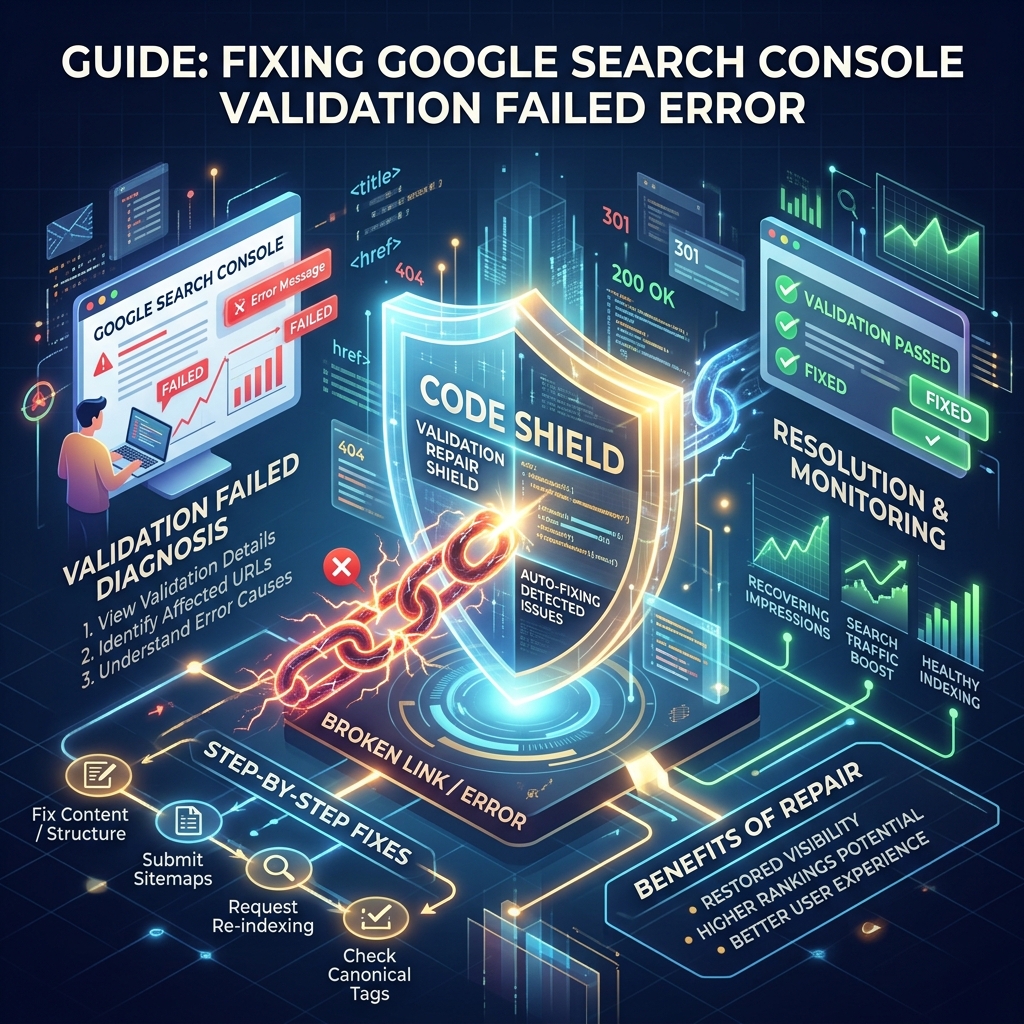
The scenario: you spent a week improving your content, clicked "Validate Fix" in Google Search Console, waited anxiously for 7+ days, then received the dreaded "Validation Failed" email. The pages are still showing "Crawled — currently not indexed" and you're back to square one. This guide explains exactly why validation fails, what Google is actually checking during validation, and the systematic process to resolve it for good.
What "Validation Failed" Actually Means
When you click "Validate Fix" in GSC for a "Crawled – currently not indexed" coverage issue, Google initiates a validation crawl. It samples a subset of the URLs you marked as fixed and evaluates whether the underlying quality signals have improved enough to warrant indexation.
"Validation Failed" means Googlebot crawled those sample URLs and determined that the issue persists — the pages are still not meeting the quality threshold for indexation. Critically, this is not a technical error. It's a quality judgment. Google saw your pages, evaluated them, and decided they're still not worth indexing.
The most common misconception: many site owners click "Validate Fix" immediately after publishing new content, without waiting for Google to re-crawl and process the changes. The validation process checks the current live state of your pages at validation time, not the state when you originally requested it.
The 6 Root Causes of Validation Failure
1. Content Quality Hasn't Actually Improved
The most common cause by far. You added 200 words, changed a heading, or updated a date — but the page's fundamental value proposition remained thin. Google's systems evaluate topical depth, uniqueness, and user satisfaction signals. A cosmetic content update rarely shifts the quality score enough to change an indexation decision.
Fix: Add 500–1,000 words of genuinely unique information: original research, specific how-to steps that aren't duplicated elsewhere, case studies from your own experience, or data-backed analysis. The question to answer: "Why would a user prefer this page over the top 3 Google results for this topic?"
2. Duplicate Content Variations Still Exist
If your site has multiple pages covering the same topic at similar depth (category + tag + author archives, parameterized URLs, printer-friendly versions), Google may see your "fixed" page as one of many duplicates and continue to exclude it. The canonical of the group gets indexed; variants do not.
Fix: Audit for duplicate content using a site: search for key phrases from your page. If you find near-identical pages, either consolidate content onto the canonical URL or differentiate each page's angle enough that they serve different search intents.
3. Canonical Tag Mismatch
If your page has a self-referencing canonical but other versions of the same page (www vs non-www, HTTP vs HTTPS, trailing slash vs no trailing slash) exist without proper canonicals, Google may be consolidating authority to a different URL than the one you're trying to index.
Fix: Use GSC's URL Inspection tool and check the "Canonical URL" field. If Google has chosen a different canonical than what you intended, investigate why and fix the discrepancy at the source (301 redirect or canonical tag correction).
4. Low E-E-A-T Signals on the Page
For YMYL (Your Money, Your Life) topics and increasingly for all competitive categories, Google evaluates Experience, Expertise, Authoritativeness, and Trustworthiness. A page with no author bio, no credentials, no date, and no external citations will struggle to pass quality thresholds even with substantial word count.
Fix: Add a visible author bio with credentials relevant to the topic. Add a clearly visible publication and "last updated" date. Include citations to authoritative sources. Add a contact page link and privacy policy. These trust signals matter increasingly in 2026's E-E-A-T evaluation framework.
5. Crawl Rendering Issues
If your page's content is loaded via JavaScript, Google may be crawling the page but not rendering the JavaScript, seeing only an empty shell. The "Validate Fix" check would then evaluate a blank page — guaranteeing failure.
Fix: In GSC's URL Inspection tool, click "Test Live URL" and then view the rendered page screenshot and source. If the rendered version shows no content (or significantly less than the user-facing version), you have a JavaScript rendering issue. Move critical content to server-side rendering.
6. Site-Wide Authority Threshold Not Met
For newer domains with low domain authority, Google applies stricter indexation thresholds. Even individual high-quality pages may not get indexed if the overall site trust score is below Google's evaluation floor for the topic area. This is the hardest root cause to fix quickly — it requires time and consistent quality publishing.
Fix: Focus on building topical authority by publishing a consistent body of high-quality content in your niche. Each new indexed page raises the domain's perceived expertise. External backlinks from authoritative sources also accelerate trust accumulation.
The Correct Validation Process (Step by Step)
Many site owners rush the validation process. Here's the correct sequence:
- Diagnose first, fix second: Use GSC's URL Inspection on individual affected pages. Look at the "Crawl" section — when was the page last crawled? What does the rendered screenshot show? Does the "Indexed" status say "URL is on Google" or not?
- Identify the actual root cause: Use the 6-cause checklist above. Don't assume it's content depth without ruling out canonical mismatches, duplicate content, and rendering issues first.
- Make substantive improvements: Whatever the root cause, fix it meaningfully. Not cosmetically. Substantive = changes that materially alter the page's value, technical setup, or trust signals.
- Request re-crawl via URL Inspection: After fixing, use URL Inspection to request indexing on the specific pages. This tells Google to re-evaluate the page immediately rather than waiting for its next scheduled crawl.
- Wait 5–7 days before clicking "Validate Fix": Give Googlebot time to crawl the updated pages and process the changes before initiating validation. Validation initiated 24 hours after a fix will likely fail again — Google needs time to process.
- Then click "Validate Fix": Only after confirming individual URLs show improved status in URL Inspection. GSC's validation samples a subset — if the samples are already looking better, validation is more likely to succeed.
When Validation Keeps Failing: The Escalation Protocol
If you've gone through two or three validation cycles without success, escalate to more aggressive fixes:
Option A: Content Consolidation
If you have multiple thin pages covering similar subtopics, consolidate them into one comprehensive 2,000+ word resource. 301 redirect the thin pages to the consolidated page. A single authoritative page almost always indexes faster than 5 thin pages competing for the same topic space.
Option B: URL Change + 301 Redirect
Google's "memory" of a URL's quality can create inertia. If a URL has been crawled and rejected multiple times, changing the URL (with a proper 301 redirect from old to new) resets Google's quality evaluation from scratch. The redirect preserves any existing link equity, while the new URL gets evaluated without the history of repeated rejection.
Option C: Strategic Internal Link Boost
Add 3–5 strong internal links from your best-performing, already-indexed pages to the stubbornly-not-indexed page. Use keyword-rich anchor text. This passes internal PageRank to the target page and signals to Google that your site considers it important — increasing crawl priority and quality evaluation.
Option D: Active API Submission via LinkRaptor
For owned domains, submitting through the Google Indexing API pipeline forces Google to re-evaluate the page with priority. Combined with substantive content improvements, this combination resolves most persistent validation failures within 72 hours for quality pages.
How Long After a Fix Before Validation Passes?
| Root Cause Fixed | Expected Time to Validation Pass |
|---|---|
| Canonical tag fix | 3–7 days after next crawl |
| JS rendering fix | 1–2 weeks after fix + recrawl |
| Major content improvement (500+ words added) | 2–4 weeks |
| Internal linking improvement | 2–3 weeks |
| URL change + 301 + content improvement | 1–3 weeks (fresh evaluation) |
Accelerate Re-Indexation After Your Fix
Once you've made substantive improvements, LinkRaptor's indexing pipeline submits your fixed URLs through Google booster feeds, WebSub pings, and the Google Indexing API (for owned domains) to force priority re-evaluation — rather than waiting for Google's natural crawl schedule.