Is the Google Indexing API Free? True Costs Explained (2026)
By Joseph C. Lorenzo · Updated August 2026 · 10 min read
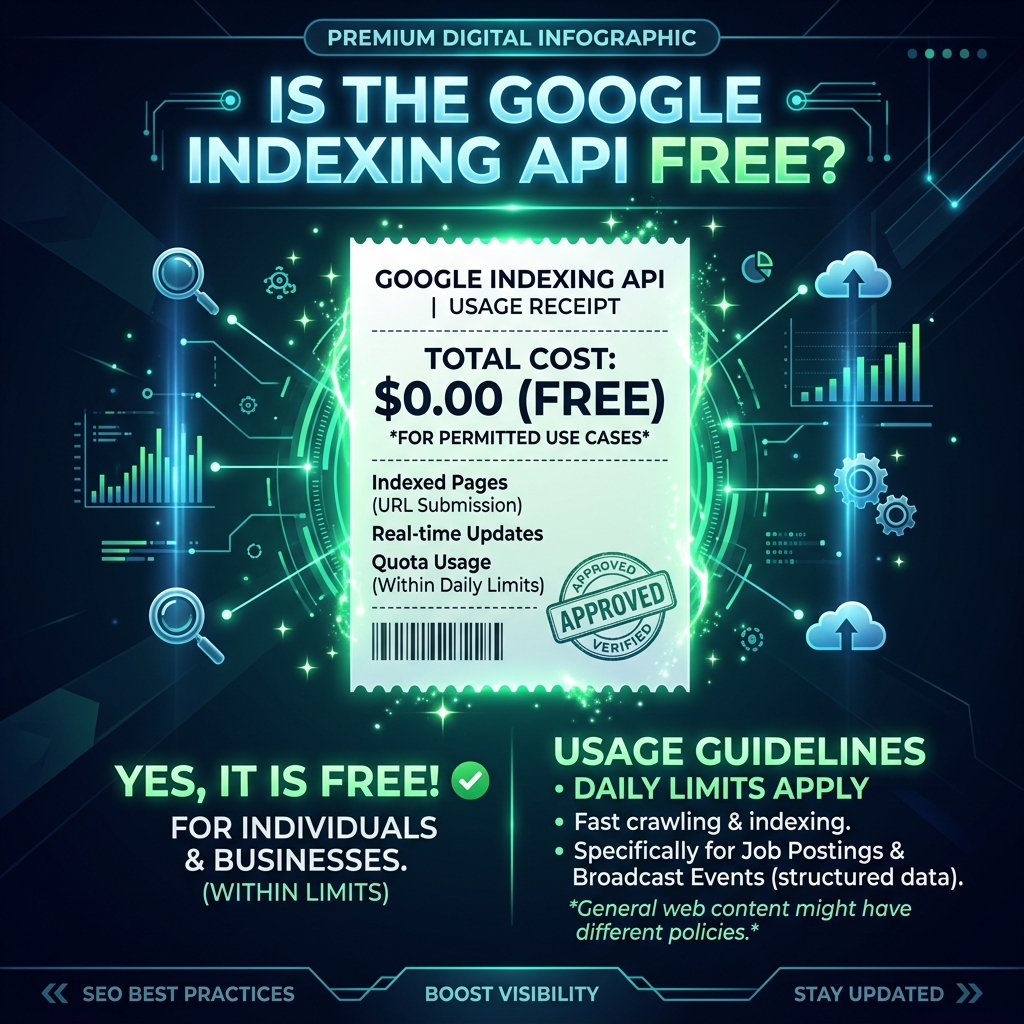
The Google Indexing API is free to call — Google charges $0 per API request. However, "free API" and "zero cost to operate" are very different things. Building and maintaining a reliable, production-grade indexing pipeline involves real infrastructure, maintenance, and time costs that add up quickly at scale. This guide gives you an honest breakdown of what the API truly costs to operate, whether DIY or through a service.
What "Free" Means: Google's Official Pricing
Google does not charge money for calls to the Web Search Indexing API endpoint. There is:
- No per-request fee — each of your 200 daily submissions costs $0
- No tier-based pricing — the same free rate applies whether you submit 1 URL or 200
- No monthly subscription — Google Cloud accounts are free to create, and the Indexing API has no base fee
This makes it technically accurate to say "the Google Indexing API is free." But that statement is incomplete without understanding the infrastructure required to actually use it.
The True Costs of Running the API Yourself
Cost 1: Developer Time (Setup)
Setting up the Google Indexing API from scratch requires solid technical knowledge. If you're not already familiar with:
- Google Cloud Console project creation and IAM management
- Service account creation and JSON key management
- OAuth2 JWT authentication flows
- REST API calls in Python, Node.js, or your language of choice
...expect 4–8 hours of initial setup, debugging, and testing to get a working submission script running. At a $75/hour developer rate, that's $300–$600 in one-time setup cost.
If you're comfortable with APIs and have done OAuth2 before, this drops to 1–2 hours. The Google documentation is well-maintained and there are working code examples in Python, PHP, Java, and Node.js.
Cost 2: Infrastructure for Running Scripts
Once you have a working API script, you need somewhere to run it. Options:
- Local machine (cron job): Free but requires your machine to be on 24/7 and won't retry on failures automatically. Unreliable for production use.
- VPS or cloud server: $5–$20/month for a basic server (DigitalOcean Droplet, Linode, or similar). Reliable, but requires server management.
- Serverless (Cloud Functions, AWS Lambda): Near-zero cost for low-volume use, but requires serverless architecture knowledge and has cold-start limitations.
- Google Cloud Run / App Engine: Usage-based pricing, effectively free for light usage. Requires Cloud configuration skills.
Cost 3: Queue and State Management
A naive implementation submits URLs and moves on. A production-grade implementation needs:
- A queue to track which URLs have been submitted and which haven't
- Retry logic for failed requests (429 quota errors, 5xx server errors)
- Persistent state storage so you don't resubmit already-submitted URLs
- Logging and alerting when submissions fail
Building this properly takes another 8–20 hours of development time. Without it, you end up with a fragile script that silently fails without you knowing.
Cost 4: Key Management at Scale
With the default 200 URL/day limit, any campaign exceeding 200 URLs requires multiple Google Cloud projects with separate service accounts. Managing this manually means:
- Creating and maintaining multiple Google Cloud projects
- Adding each service account as GSC Owner for every target property
- Tracking daily usage counts across all keys manually
- Implementing rotation logic in your codebase
- Storing and securing JSON key files safely
At 5 projects with 5 service accounts, this is a meaningful administrative overhead. Most developers underestimate how much time key management consumes as the operation scales.
Cost 5: Ongoing Maintenance
APIs change. Google's authentication flows, quota systems, and API behavior evolve over time. Your DIY script needs to be maintained:
- Updating OAuth2 library dependencies
- Handling API version changes
- Monitoring for unexpected failures
- Refreshing service account keys that expire
Estimate 1–2 hours of maintenance per month for a well-built implementation. Over a year, that's 12–24 hours of ongoing developer time.
Total Cost Comparison: DIY vs. LinkRaptor
| Cost Category | DIY Pipeline | LinkRaptor |
|---|---|---|
| Google API calls | $0 | $0 (same API) |
| Initial setup dev time | $300–$600 (or 4–8 hrs of your time) | $0 (included) |
| Server/infrastructure | $5–$20/month | $0 (included) |
| Key rotation system | $400–$800 dev time (one-time) | $0 (included) |
| Ongoing maintenance | 1–2 hrs/month | $0 (included) |
| Booster feeds + WebSub | Not included (requires additional dev) | ✅ Included |
| IndexNow | Separate implementation required | ✅ Included |
| Dashboard & job tracking | $200–$800 dev time to build | ✅ Included |
For an individual developer who already knows OAuth2 and wants a minimal implementation, DIY is genuinely free to run. For an SEO professional or agency that values their time and needs a reliable production system with multiple signal types, the economics strongly favor a purpose-built tool.
When DIY Makes Sense
DIY is the right choice if you:
- Are a developer who enjoys building infrastructure and learns from it
- Have a single website with under 200 URLs to submit per day
- Are submitting only pages with JobPosting or BroadcastEvent structured data (the official use case)
- Have an in-house developer who can own the ongoing maintenance
Google's own documentation is excellent for the setup process, and there are well-maintained open-source libraries for the OAuth2 flow in every major language.
When a Purpose-Built Tool Makes Sense
A managed indexing tool is the right choice if you:
- Need to submit more than 200 URLs per day (requiring multi-key rotation)
- Want more than just API submission — WebSub, IndexNow, and XML-RPC simultaneously
- Are an SEO professional whose time is better spent on strategy than infrastructure
- Run an agency managing indexation across multiple client sites
- Need job-level tracking to know which URLs were successfully indexed
- Want a non-technical team member to be able to run indexing campaigns without developer involvement
Google Cloud Costs: What You Do and Don't Pay
Since the Indexing API lives in Google Cloud, it's worth understanding what Google Cloud charges for:
- Indexing API calls: FREE — no charge per request
- Service Accounts: FREE — no charge to create or use
- Cloud project: FREE — no charge for project creation
- Identity & Access Management (IAM): FREE for basic use
- Cloud Monitoring / Alerting: Free tier covers basic quota alerts
The only Google Cloud cost you might incur is if you use additional services (Cloud Functions, Cloud Run, or Pub/Sub) as part of your indexing pipeline infrastructure. For the Indexing API itself, the service remains free at the default quota level.
The Code: Minimal Working Implementation
Here's the essential Node.js implementation to get started:
async function submitUrl(serviceAccountKey, url) {
const auth = new google.auth.GoogleAuth({
credentials: serviceAccountKey,
scopes: ['https://www.googleapis.com/auth/indexing'],
});
const client = await auth.getClient();
const res = await client.request({
url: 'https://indexing.googleapis.com/v3/urlNotifications:publish',
method: 'POST',
data: { url, type: 'URL_UPDATED' },
});
return res.data;
}
This handles OAuth2 authentication and submission in one function. The serviceAccountKey is the parsed contents of your downloaded JSON key file. Wrap this in retry logic, quota tracking, and you have a functional DIY pipeline.
Skip the Infrastructure Build
LinkRaptor handles the complete pipeline — OAuth2 auth, quota rotation, booster feeds, WebSub, IndexNow, job tracking — so you focus on SEO strategy instead of API maintenance. Add your service account key once and submit thousands of URLs without touching code.